
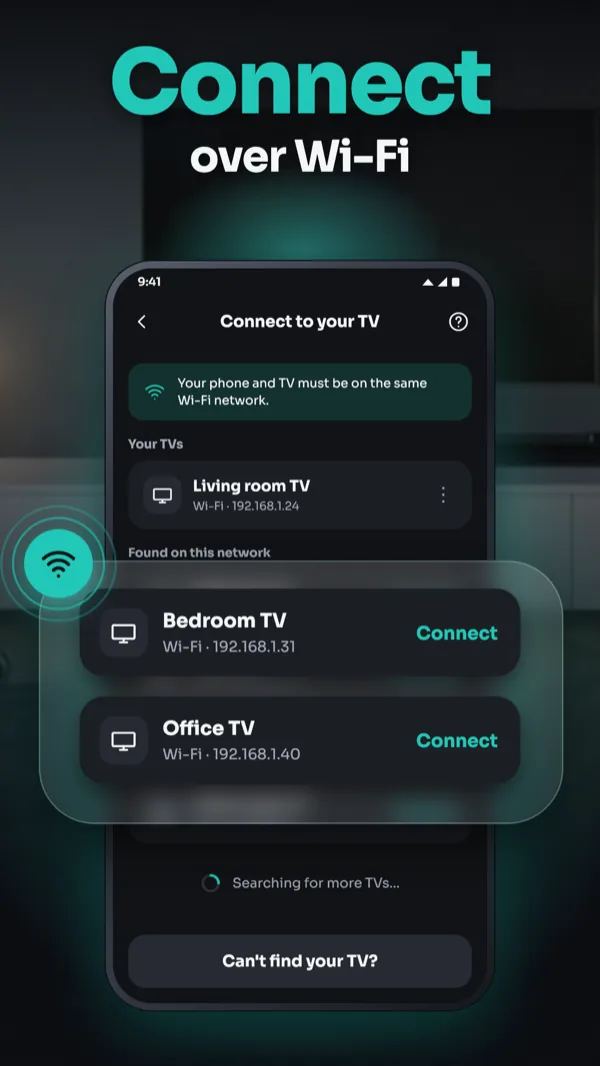
Connect over Wi-Fi
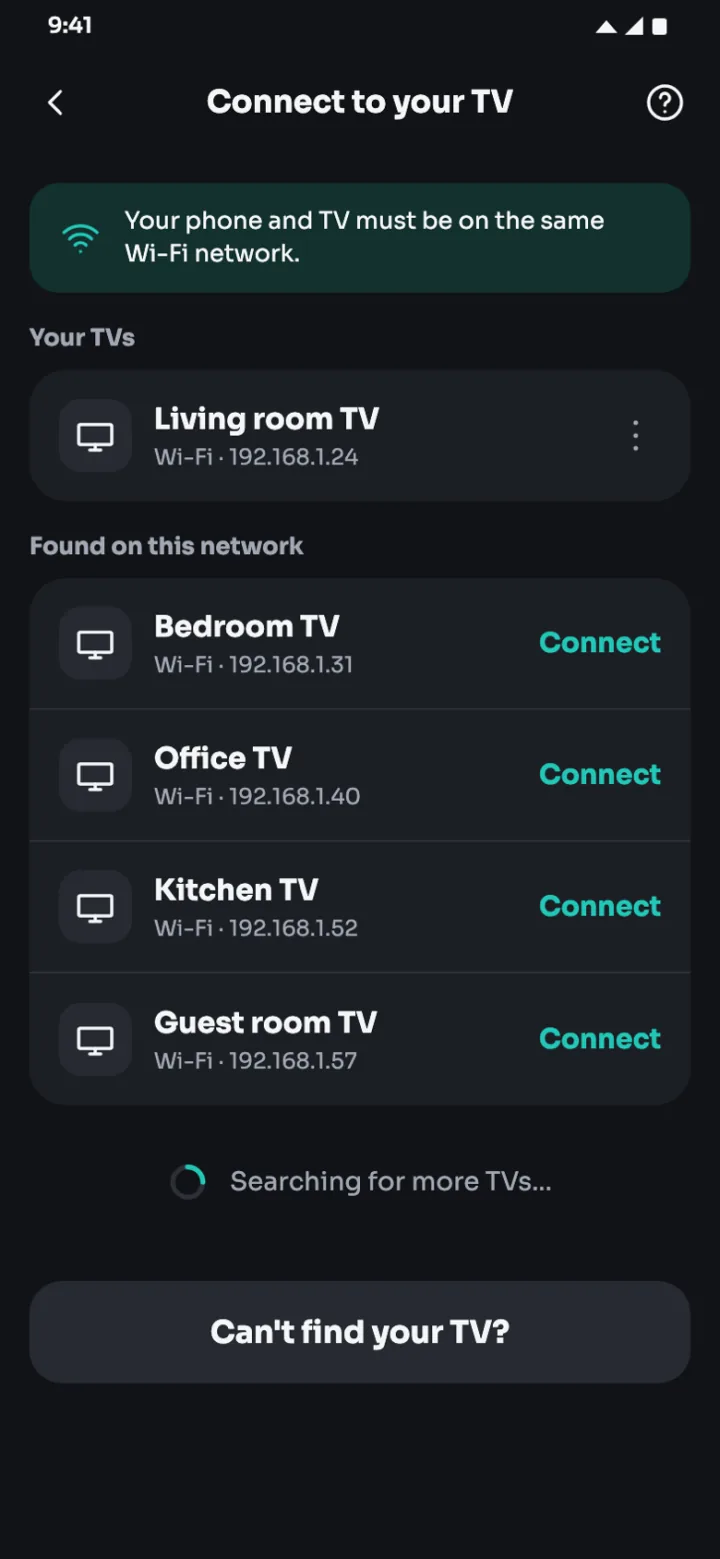
Put your phone and TV on the same Wi-Fi network, pick your TV from the list and pair once with the code or prompt shown on the TV.

TV remote · Android
Control your smart TV over Wi-Fi: Samsung, LG, Roku, Android TV and Google TV
Android20 languagesWorks over Wi-Fi
What you can do with Smart TV Remote
Smart TV Remote turns your phone into a remote control for your smart TV. Connect over Wi-Fi, pair with the code or prompt on your TV screen and control it from the couch.
Put your phone and TV on the same Wi-Fi network, pick your TV from the list and pair once with the code or prompt shown on the TV.
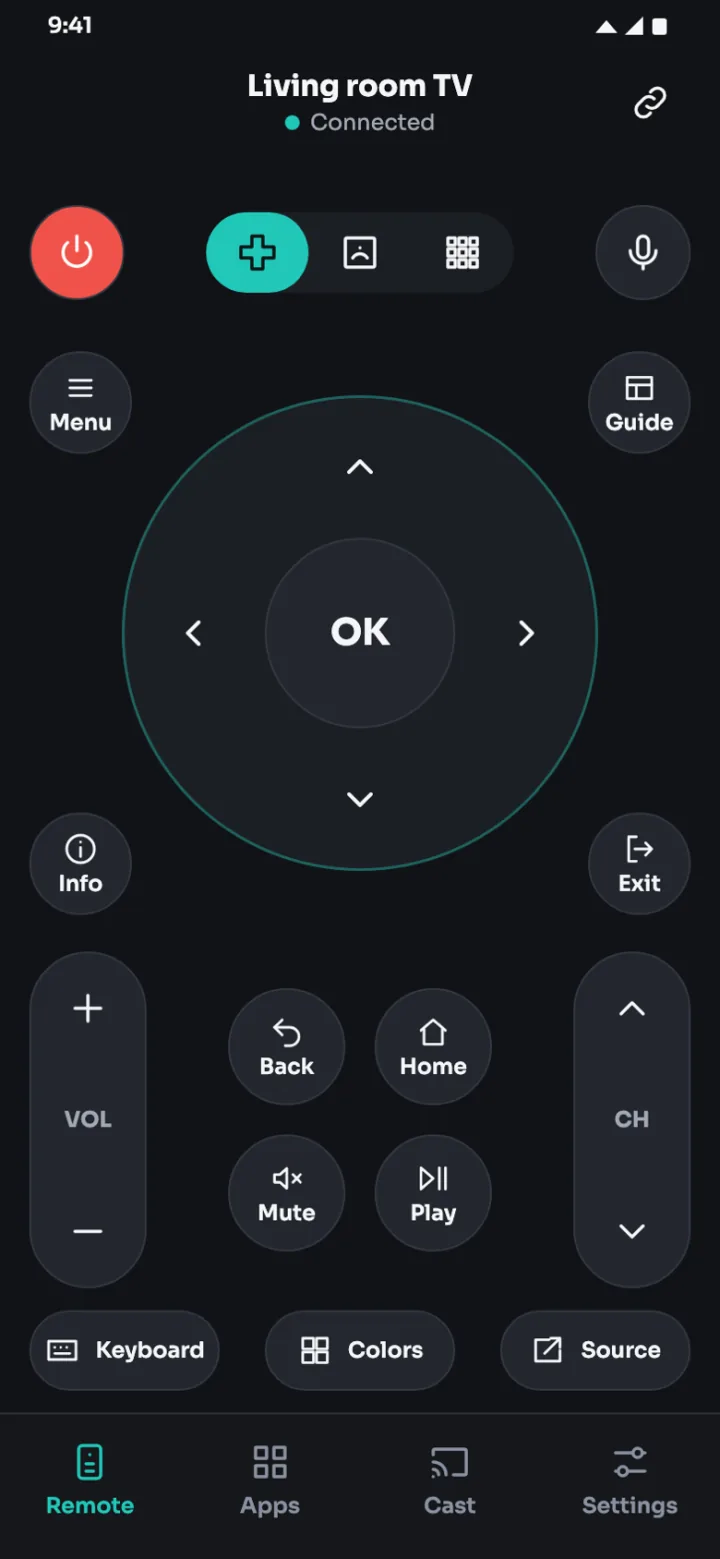
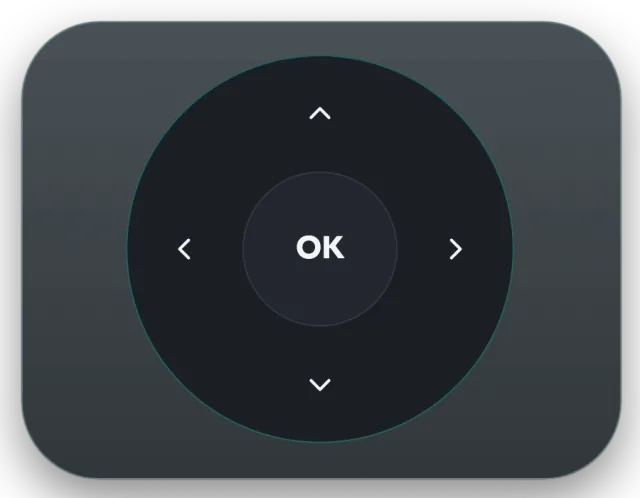
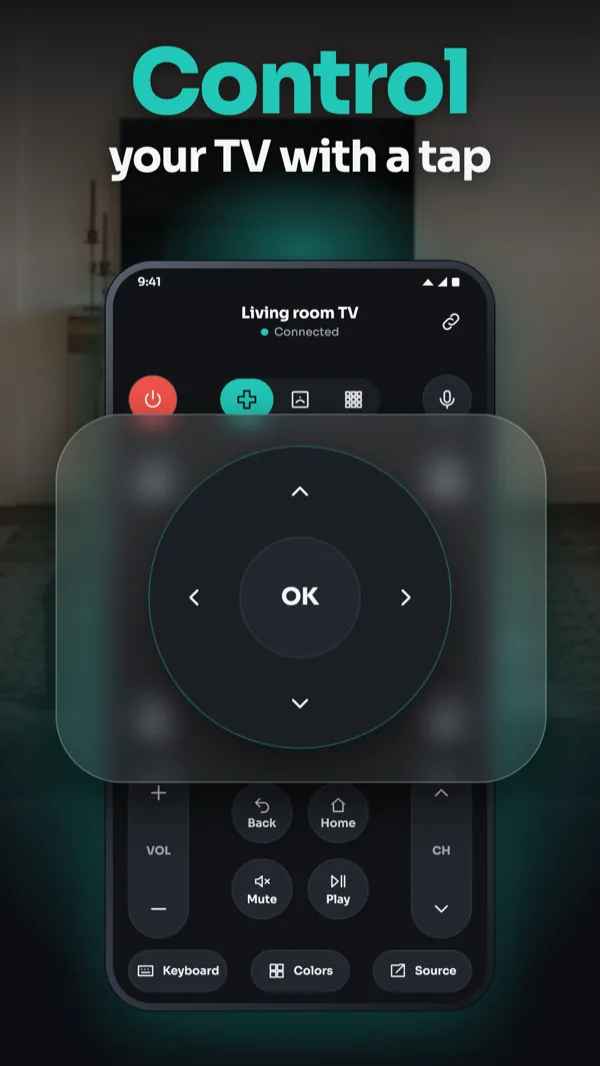
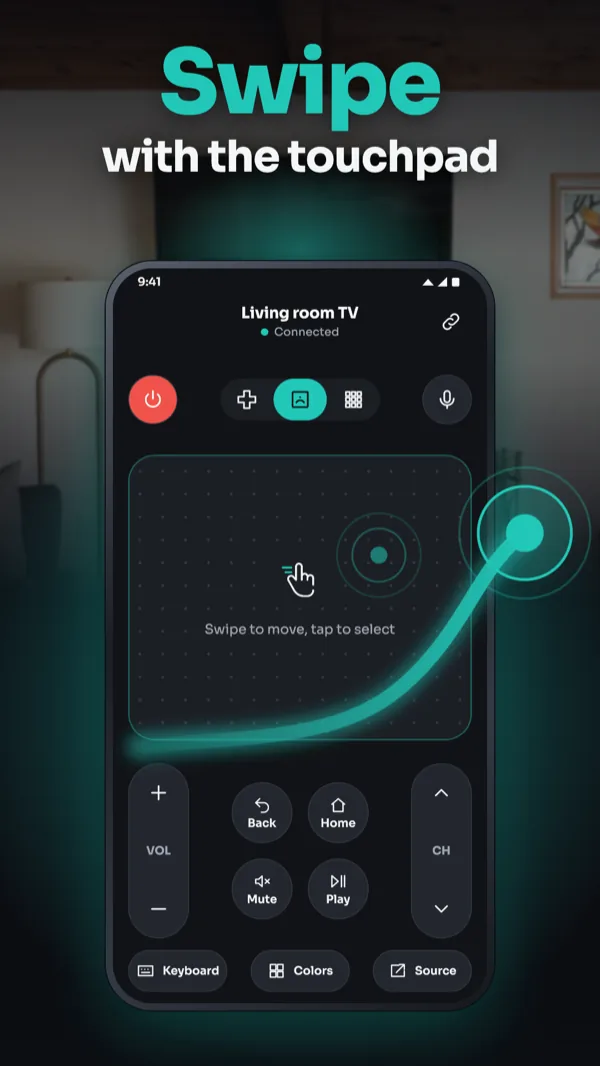
Use the D-pad or swipe on the touchpad, plus the number pad, volume and channel buttons. Some buttons depend on your TV.
Type text on your TV with your phone keyboard, or use the microphone button with your phone's own speech recognition.
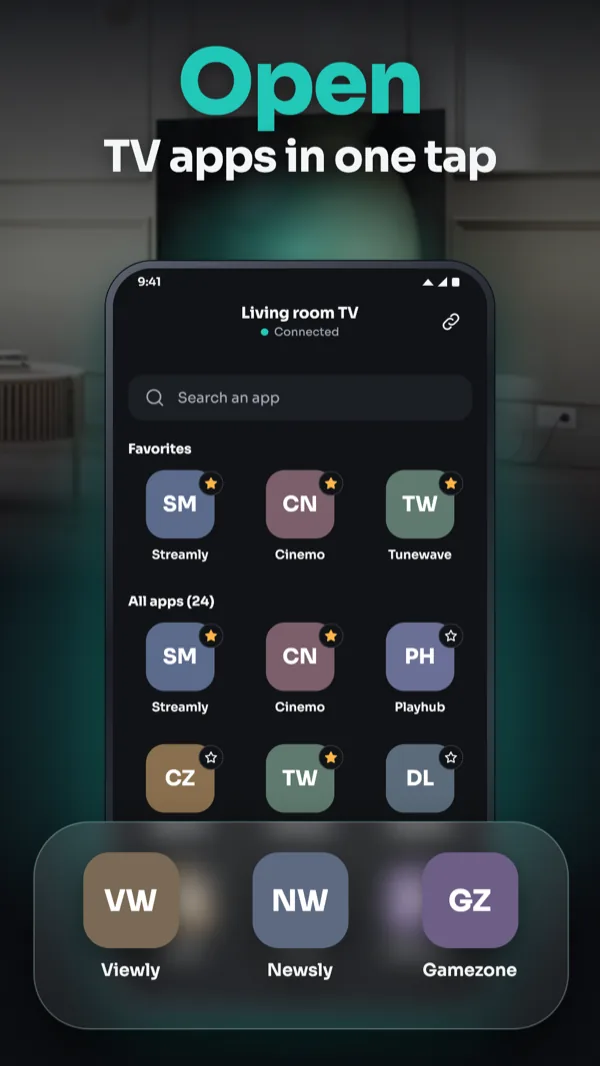
Open apps on your TV from your phone in one tap. This needs Pro.
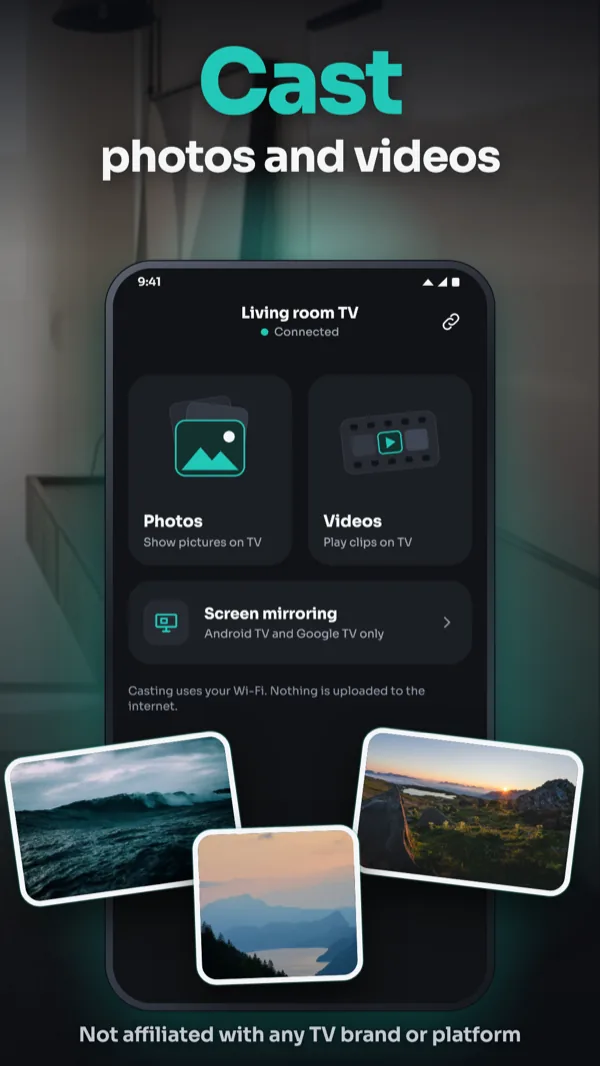
Cast photos and videos to your TV, and mirror your screen to Android TV and Google TV. Both need Pro; availability depends on your TV.
Keep the TVs you control in My TVs and switch between them anytime.
Free to download. Optional PRO subscription in Google Play.
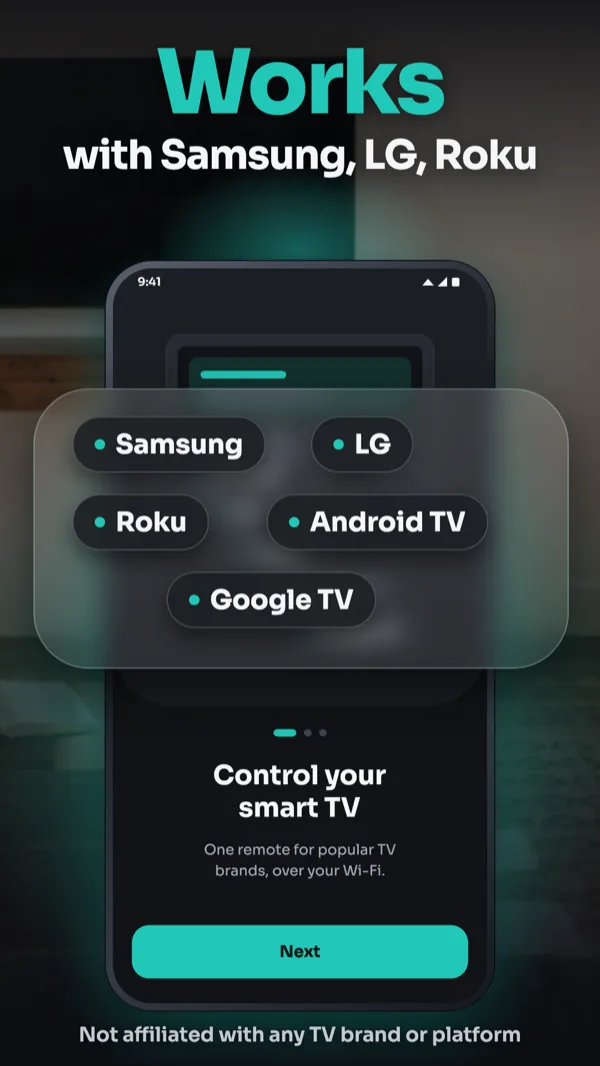
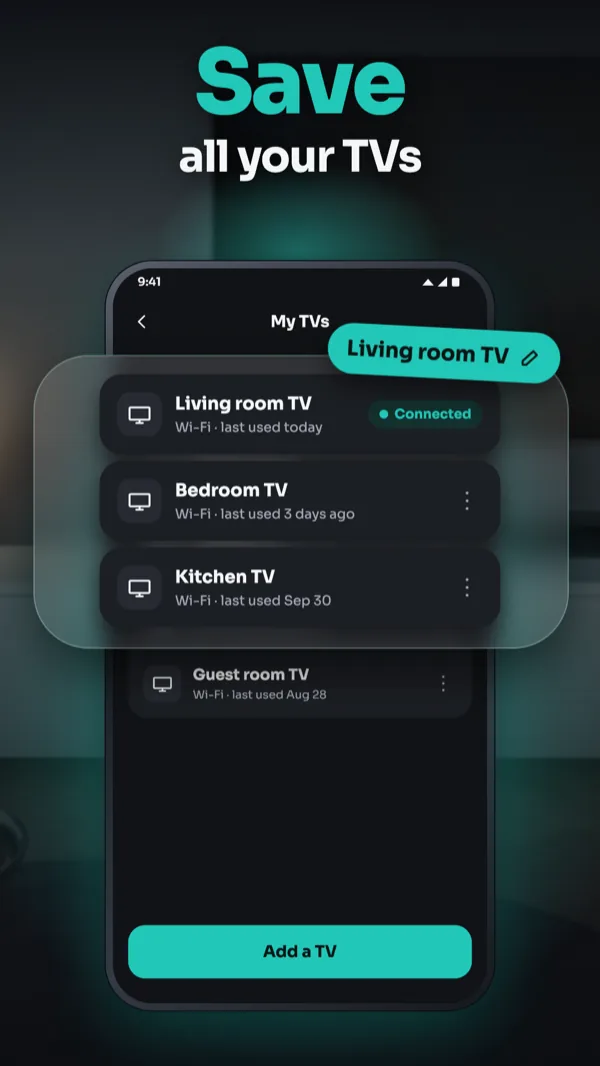
Smart TV Remote is not affiliated with or endorsed by any TV manufacturer or platform owner. Samsung, LG, Roku, Android TV and Google TV are trademarks of their respective owners.
Questions about Smart TV Remote? Email support@billionx.co

AI interior design
iOSAvailable on the App Store
Take a photo of any room, pick a style and see a fresh, high-definition design concept in seconds, inside and out.
Family safety
AndroidAvailable on Google Play
Keeps families connected on one clear map, with safety tools that work only between people who have agreed to share.

Storage cleaner
AndroidAvailable on Google Play
DupX scans your gallery and contacts, groups the clutter and lets you clean it up in a few taps. Your photos, videos and contacts are checked on your phone and never uploaded.

Voice translator
AndroidComing soon to Google Play
Voice Translator turns your phone into a pocket interpreter: speak and read your words translated as live subtitles, or hear the translation in your headphones. Translate typed text and photos too.

2FA authenticator
AndroidComing soon to Google Play
Authenticator keeps the two-factor codes for all your accounts in one place on your phone, encrypted and locked behind your PIN, fingerprint or face. Passwords and a private browser sit right next to your codes.
PDF reader
AndroidComing soon to Google Play
PDF Reader finds the PDF files on your phone and lists them in one place, together with your Word and text documents. Read a file, then highlight, sign, merge or compress it, right on your phone.